Floor Plans
A walkthrough of the Floor Plans tab — managing floor plans and seating areas, plus the layout editor (builder) with table properties.
The Floor Plans tab (in Floor & Tables) is where you manage the physical layouts of your restaurant: each plan represents an area with tables and sections. The layout editor (builder) also opens from here.
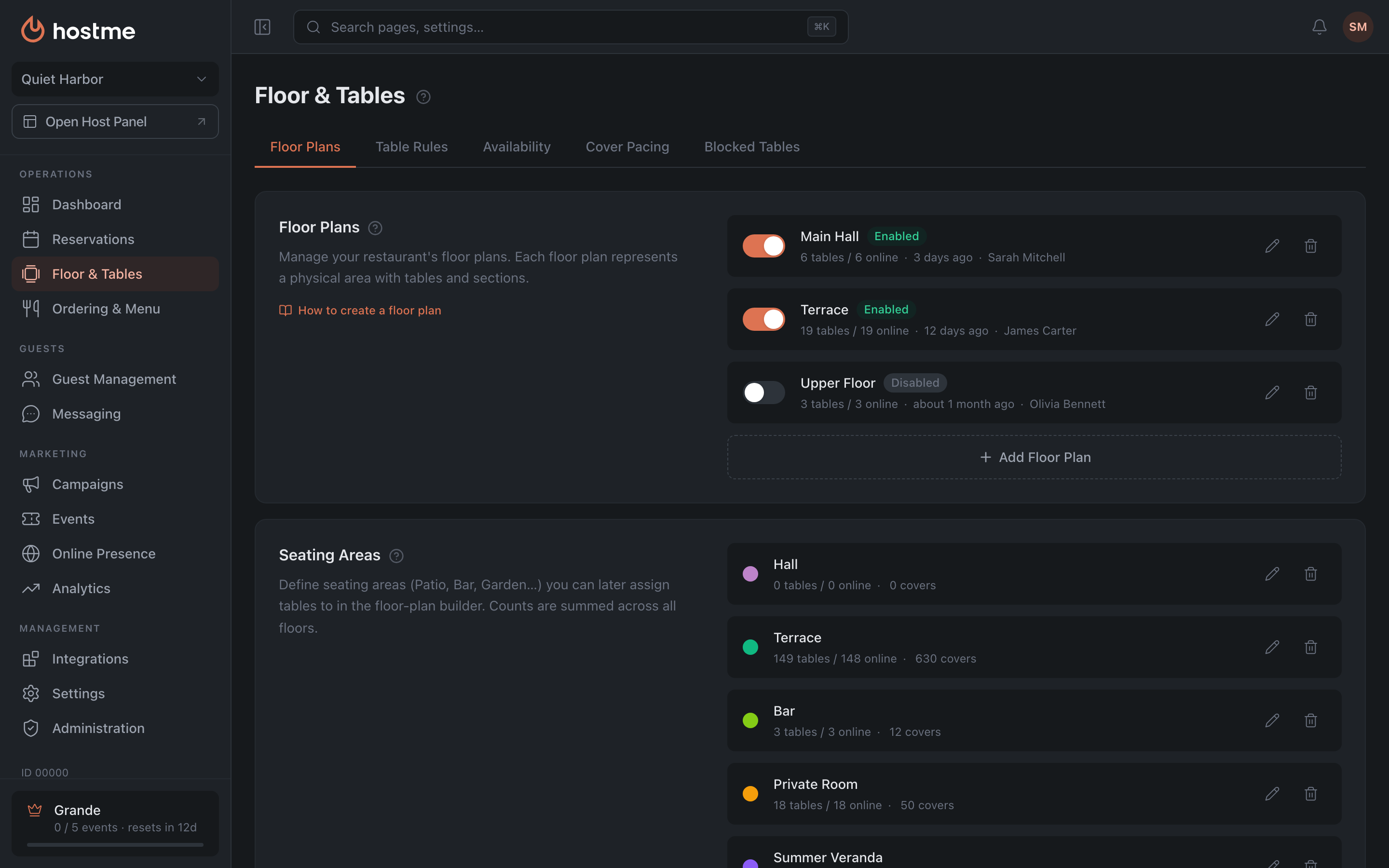
Floor Plans
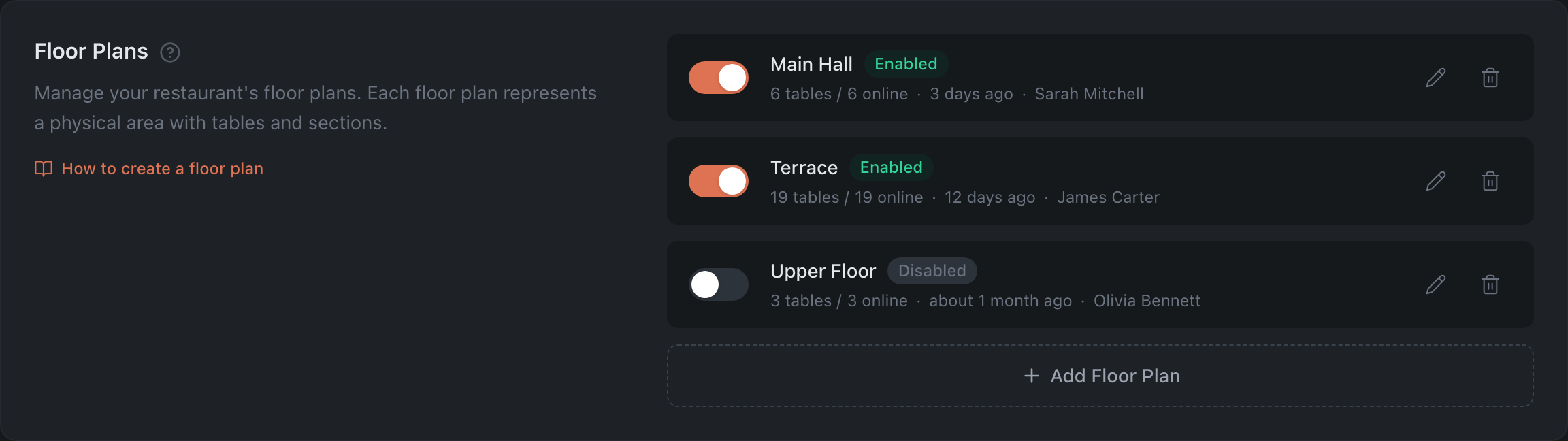
The list of your restaurant’s plans. For each one:
- Enabled / Disabled toggle — whether the plan takes part in seating.
- Table count, when the plan was last changed and by whom — “3 days ago · Sarah Mitchell”. If the staff member’s profile has no name, their email is shown instead. Hover for the exact date.
- Rename floor plan (pencil) — only the name changes.
- Delete floor plan (trash icon) — permanently removes the plan together with all its tables and the seating layout.
- Click the card to open it in the builder.
- Add Floor Plan — create a new one (name, e.g. “Main Dining Room”).
If activating a plan makes its table numbers clash with another enabled plan, a dialog will offer to switch the conflicting plan off.
Seating Areas
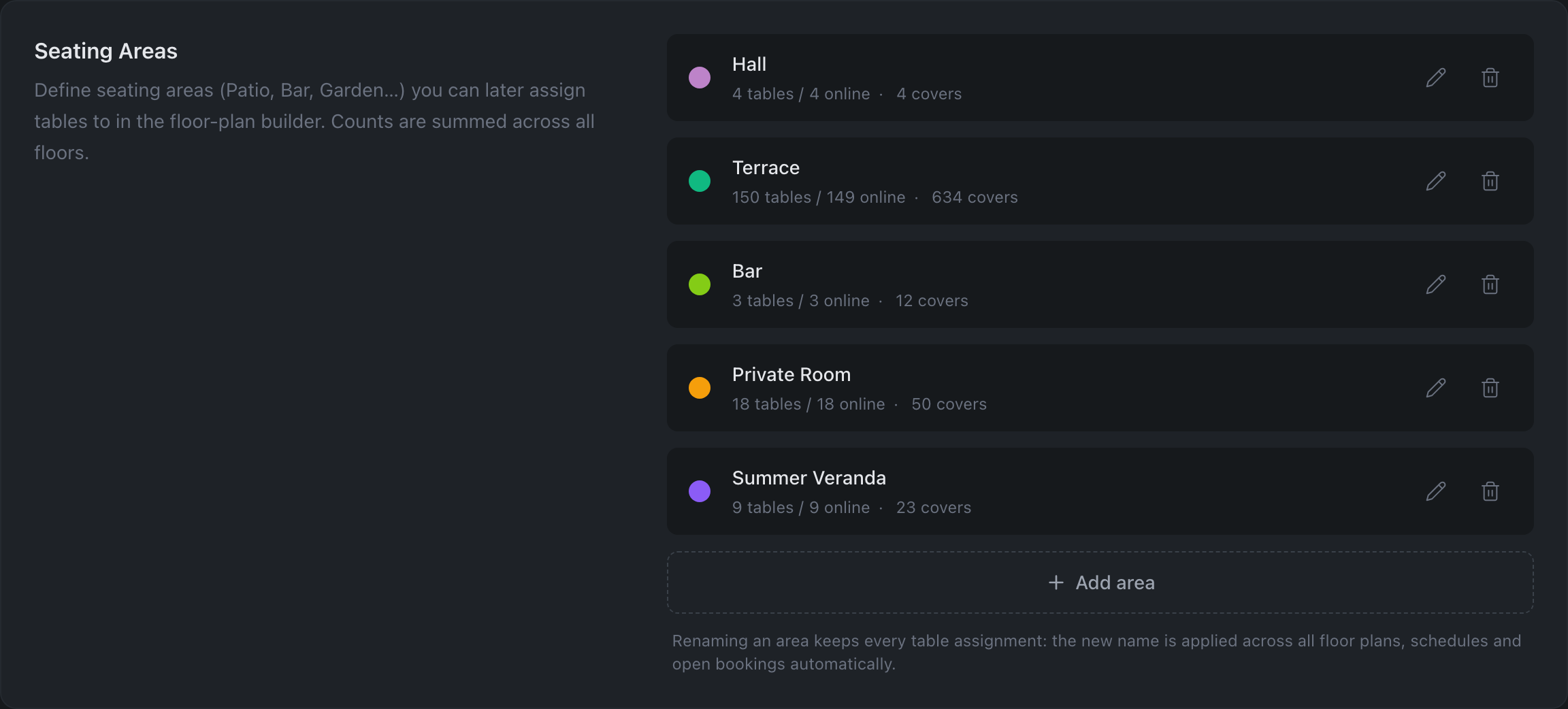
In the list of plans and areas, a table counter like “24 tables / 12 online” is shown under the name — the second number is how many of them are open for online booking. For areas, only tables and seats on enabled plans are counted, and a table that is on several plans is counted once. If there are tables but zero of them are available online, the counter is highlighted in red: it is the first thing to check when online bookings stop coming in.
Describe the areas (Patio, Bar, Garden…) that tables are assigned to. Buttons: Add area, Rename area, Delete area. When creating or renaming an area you pick a color from the palette — it shows as a dot in the area list and highlights the area on the floor map.
Layout editor
Clicking a plan opens the full-screen builder: tools on the left, the canvas in the middle, the selected object’s properties on the right. Walls, text labels and decor go in there too, and tables get their number, area, capacity and deposit.
In full — on the Floor Builder page.