Waitlist
A walkthrough of the Waitlist tab — the online waitlist, auto-call and auto-assign, wait time estimation, holding tables and workflow options.
The Waitlist tab (in Reservations) configures how you work with guests who wait for a table without a booking: whether they can join the waitlist online, how to call them, how to estimate the wait time and how to hold tables.
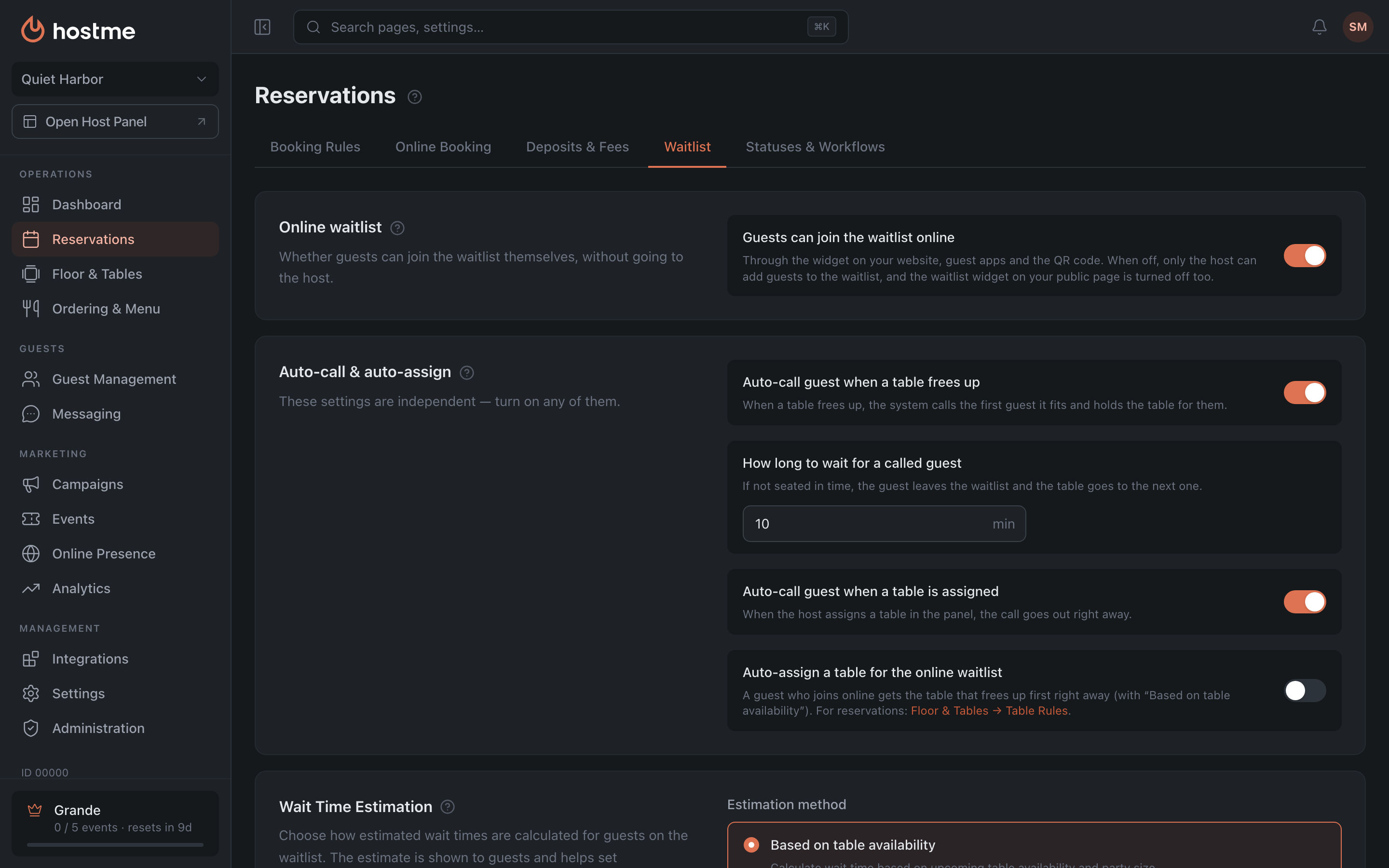
Online waitlist

- Guests can join the waitlist online — guests join the waitlist themselves through the widget on your website, guest apps and the QR code. When it’s off, nobody can join online: only the host adds guests to the waitlist in the panel, and the waitlist widget on your public page is turned off.
Auto-call & auto-assign
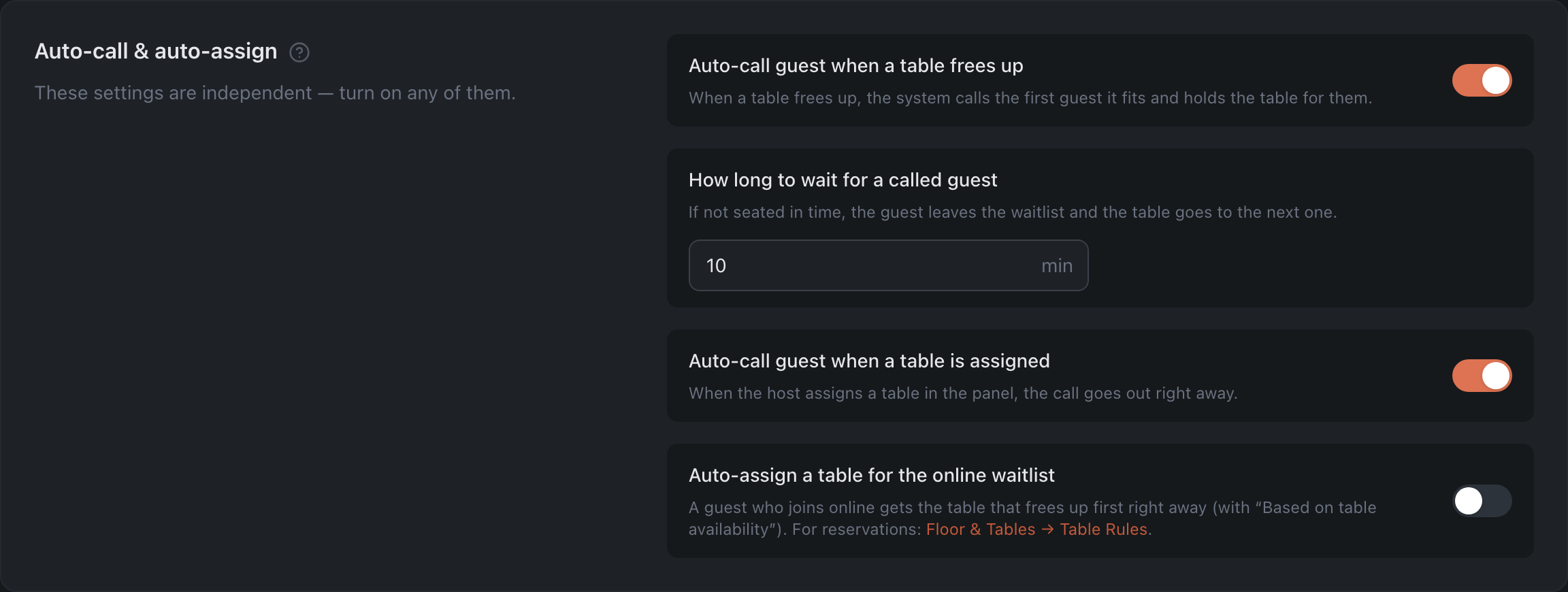
There are three settings, and they are independent — turn on any of them, in any combination.
- Auto-call guest when a table frees up — when a table frees up (a check is closed or the table is released in the panel), the system calls the first guest on the waitlist whose party size and area fit that table, and holds the table for them. The guest gets a message that their table is ready. A table that will soon be needed for a reservation isn’t given to a waitlist guest.
- How long to wait for a called guest — 1–60 minutes; 10 is filled in when you turn the setting on. If the guest isn’t seated within this time, they’re removed from the waitlist and get a message about it, and the table goes to the next guest it fits. The field is only shown while the setting above is on: a call made by the host never expires.
- Auto-call guest when a table is assigned — when the host assigns a table to a waitlist guest in the panel (or adds the guest to the waitlist with a table right away), the call goes out at once, with no separate Call tap. This setting doesn’t look for free tables by itself.
- Auto-assign a table for the online waitlist — a guest who joins the waitlist online gets the table that frees up first right away. It works with the “Based on table availability” wait time method. The guest isn’t called, and guests added by the host aren’t affected. Table auto-assignment for reservations is a separate setting, in Table Rules.
Wait Time Estimation
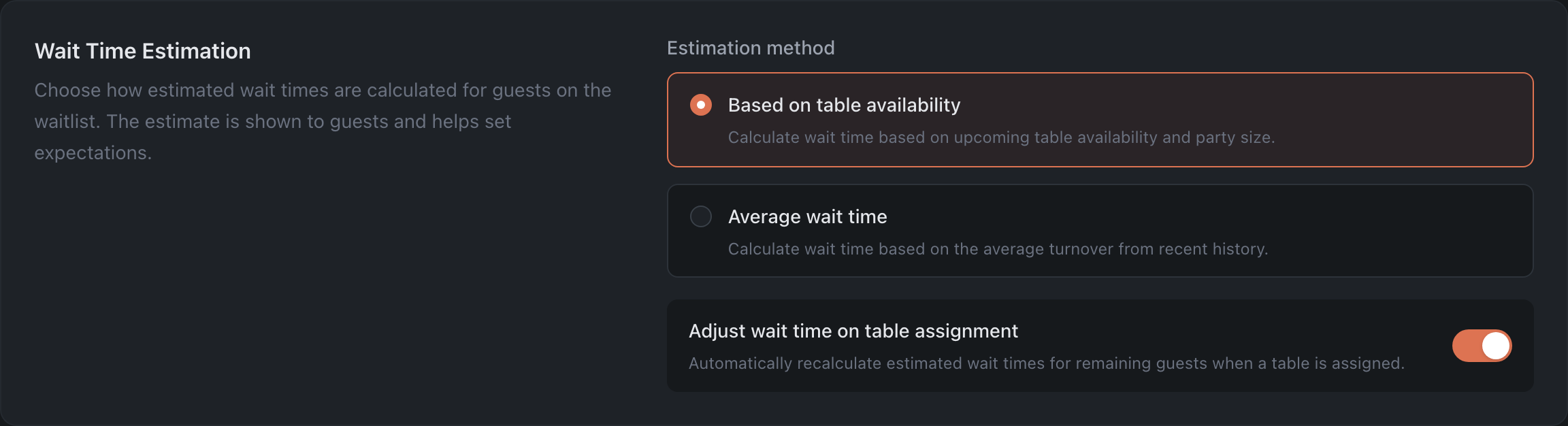
- Estimation method:
- Based on table availability — the wait time is calculated from the nearest table availability in the schedule and the party size.
- Average wait time — the forecast is based on the average table turnover over the recent period. Gives guests a more accurate and realistic estimate at peak hours.
- Average wait time timeframe — the time window (15, 30, 45, 60, 90 or 120 minutes) over which table turnover data is collected when calculating the average wait time.
- Adjust wait time on table assignment — automatically recalculate and update the wait time forecast for everyone still on the waitlist each time someone is assigned a table.
Hold Settings

- Allow manual hold — the host can manually hold a table for a guest.
- Maximum hold time — for how many minutes (1–120) a table can be held.
Workflow Options

- Show special requests in creation workflow — show the special request fields (allergies, occasion, etc.) when adding a guest to the waitlist.
How changes are saved
With the Save Changes button at the bottom (for roles with edit rights).