Menu Builder
The Menu Builder tab: several menus, sections inside them, filling them with products, and modifier toggles.
The Menu Builder tab in the Ordering & Menu section answers the question “what to show the guest, and where”. The dishes themselves live in Products — here they are assembled into menus.
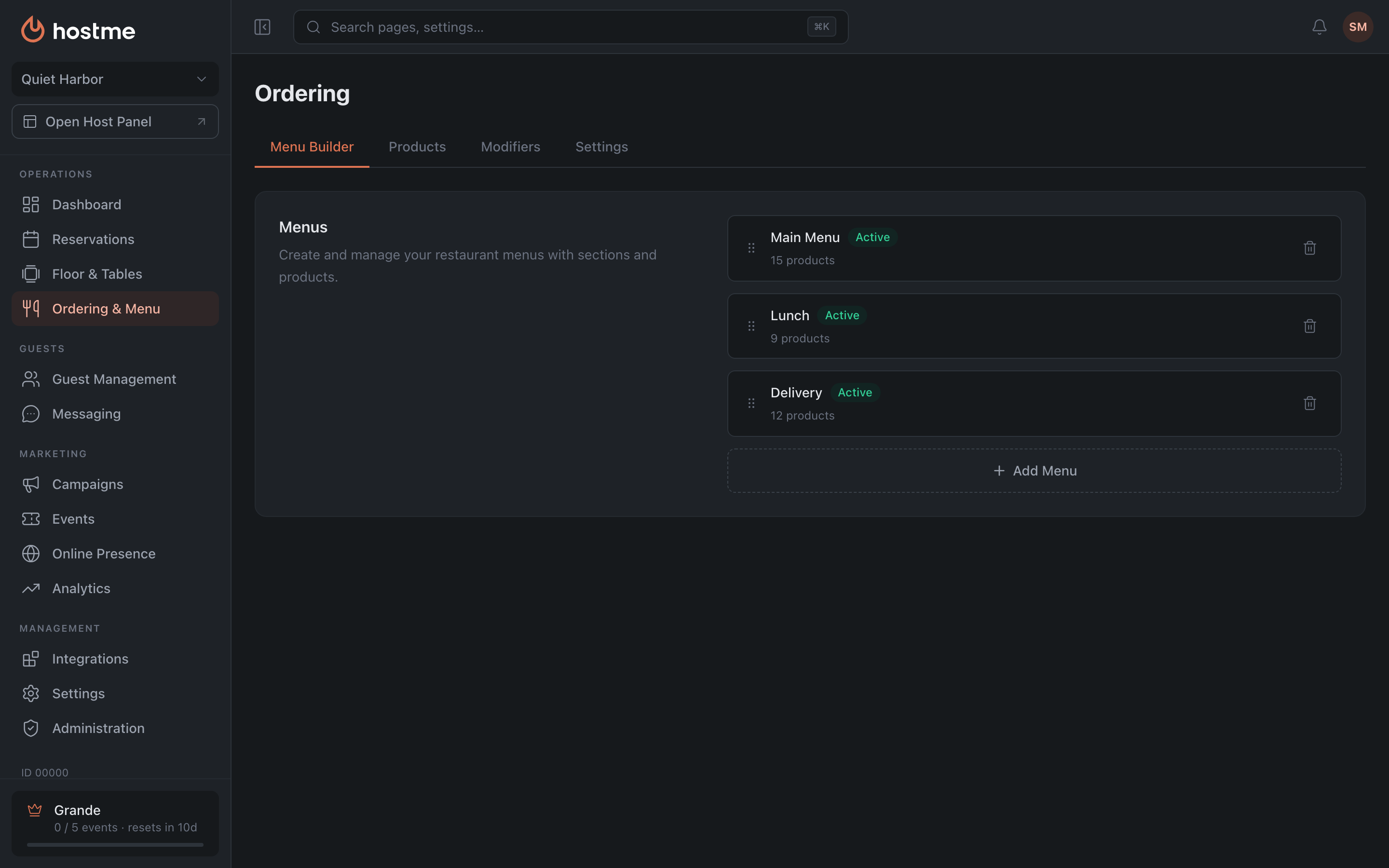
Menus, sections, products
The hierarchy has three levels:
Menus → Sections → Products
There can be several menus, and that’s not duplication but different storefronts built from a shared set of dishes: lunch, delivery, bar. The same dish happily lives in several menus — you don’t create it again, you add it to a section.
Working with menus

“Add Menu” creates a new one. Each has a name and a state: “Active” or “Inactive”. An inactive menu stays in the panel with all its content but isn’t shown to the guest — handy for seasonal ones.
In the list, next to the name, you see the active status and the product count, while the active switch itself lives inside the menu details, not in the list.
Reordering works differently for each level: menus and products — by drag and drop, sections — with arrows.
Menu contents
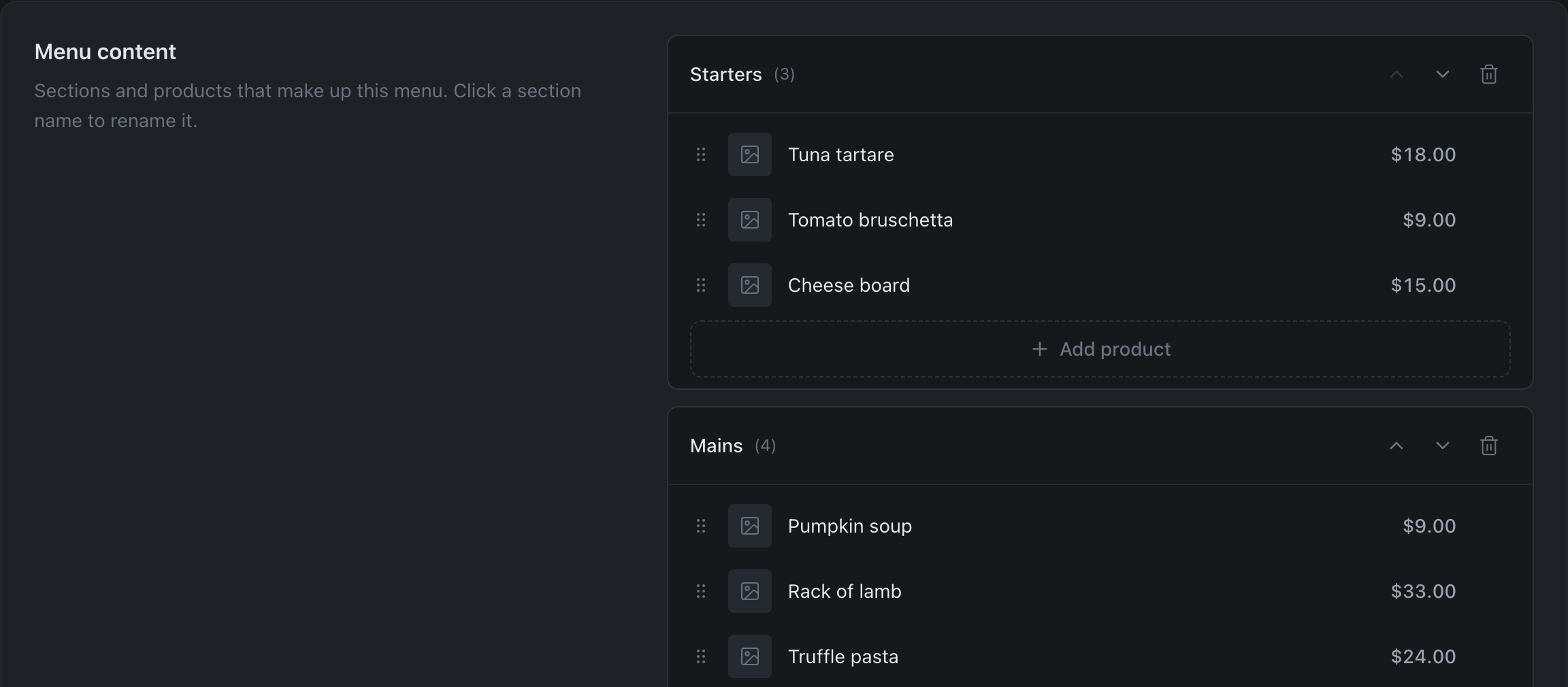
Inside a menu are sections: “Starters”, “Mains”, “Desserts”. “Add section” creates a new one; to rename, click right on the name — there is no separate button for that.
Deleting a section removes its products from this menu as well — the panel says so explicitly. The products themselves don’t go anywhere: they stay in the shared catalog and in other menus.
Filling a section
“Add product” opens a picker from the shared catalog, with search. If every suitable product has already been added, the panel says so — “All products are already in this section.”
“Remove from section” removes the item from this menu only, not from the catalog.
Modifier Toggles

If the menu has modifiers, a “Modifier Toggles” block appears: each of them can be enabled or disabled for this specific menu.
This solves a common need: in the dining room a steak comes with a choice of doneness, but in delivery that choice isn’t needed. There’s one modifier, but it’s switched off in the delivery menu.
What’s next
- Products and categories — the dish catalog itself.
- Modifiers — options for dishes.
- Ordering Settings — which menu to use for delivery, takeaway and QR.
- How to launch delivery and a QR menu