Ordering & Menu
Section overview: the menu builder, products, modifiers and online ordering settings — with links to the detailed pages.
The “Ordering & Menu” section is in charge of online orders: what you sell, how it’s shown to the guest and on what terms an order is accepted.
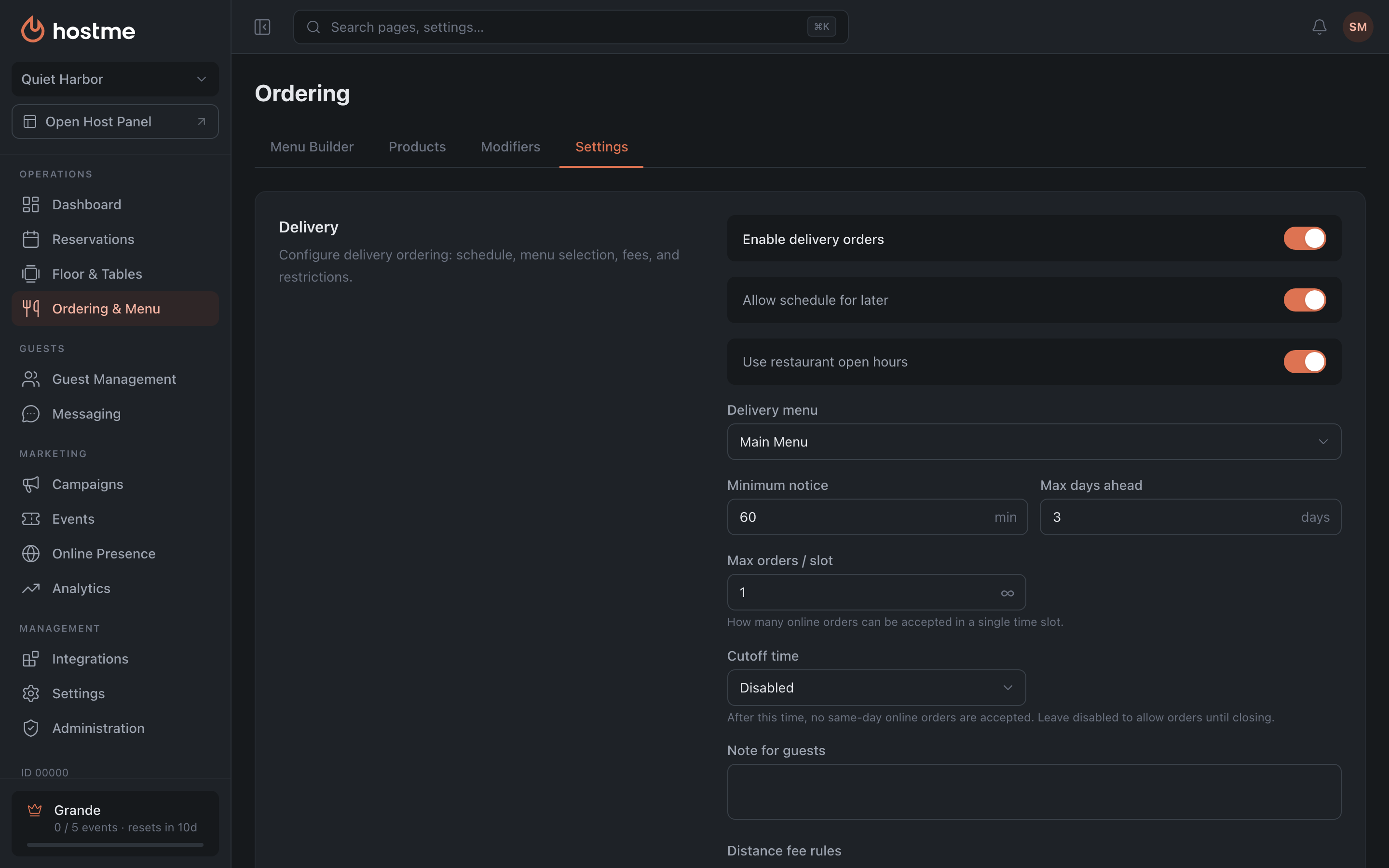
Four tabs
| Tab | What it covers | Details |
|---|---|---|
| Menu Builder | menus, the sections inside them, filling them with products, modifier toggles | Menu Builder |
| Products | the shared catalog of dishes: prices and taxes, availability, categories | Products & Categories |
| Modifiers | options and add-ons for dishes, linking to products | Modifiers |
| Settings | delivery, takeaway, preorders, QR menu, tips, taxes, statuses | Ordering Settings |
How it all fits together
The setup order is the reverse of the tab order:
Products → Menus → Settings
First you create the catalog of dishes, then you assemble menus from it, and only then do you pick in the settings which menu to use for delivery, takeaway or QR. Start from the end and you’ll run into empty dropdowns.
Modifiers can be plugged in at any stage: they are linked to products and additionally enabled or disabled for a specific menu.
How changes are saved
The behavior differs, and it’s worth keeping in mind:
- Menu Builder and Settings — with the “Save Changes” button at the bottom, which appears when you make edits.
- Products, Categories and Modifiers — applied immediately, on create, update or delete.
What’s next
- Guide: launch delivery and a QR menu — the whole path step by step.
- Guide: set up the widget — how to put ordering on your own website.
- Plans — preorders and custom statuses require Grande.