A table seats too few guests — how to increase its capacity
The system won't seat a guest at a table because its capacity is exceeded? Change the number of seats for the table in the floor plan editor.
If, when seating, the system won’t let more than a certain number of guests at a table, that table has a capacity (number of seats) set. You can change it in the floor plan editor.
What to do
-
Open Floor & Tables → Floor Plans tab and open the plan you need — it opens in the editor.
-
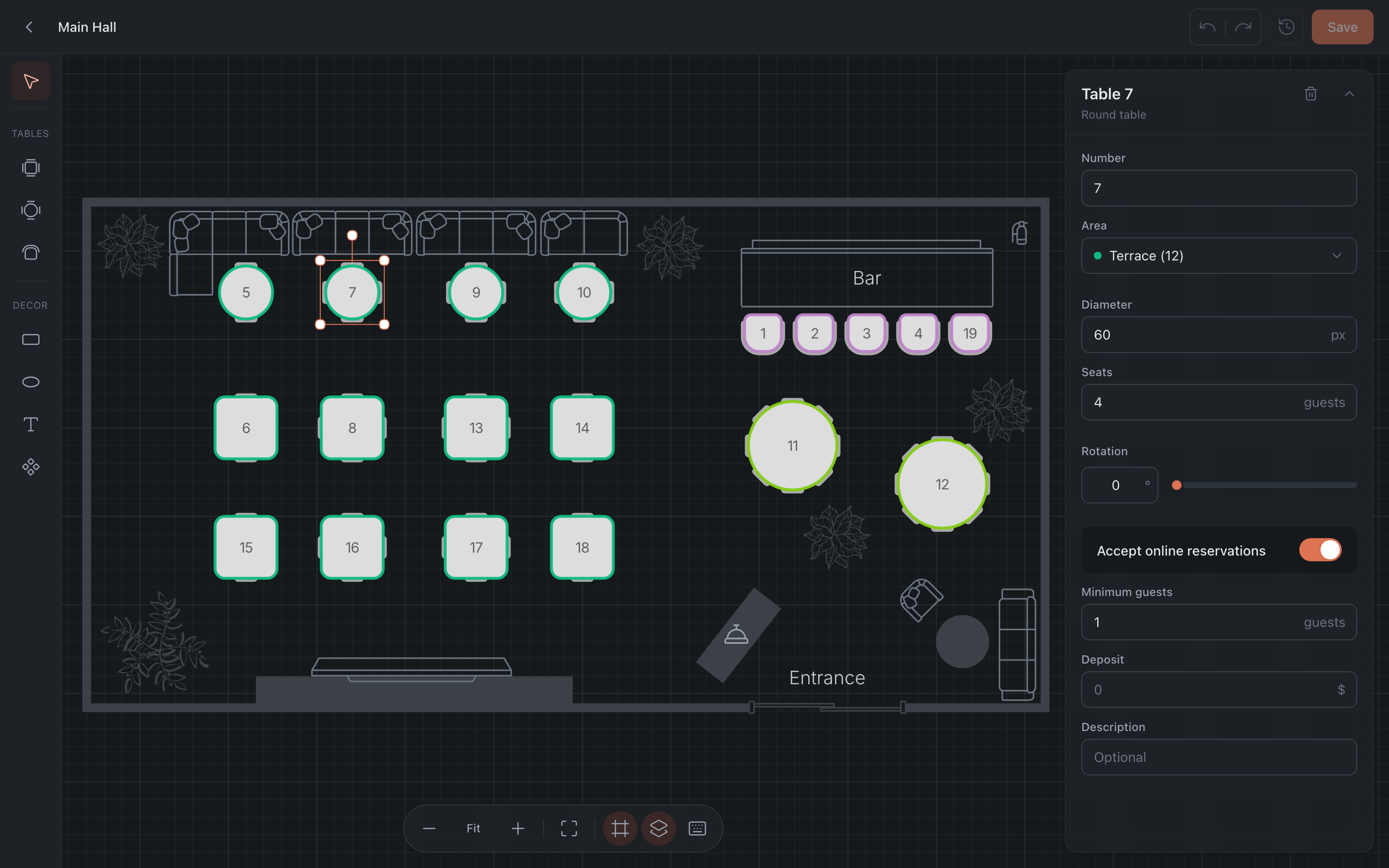
Click the table on the layout (or pick it from the list on the right). The table’s properties appear on the right.
-
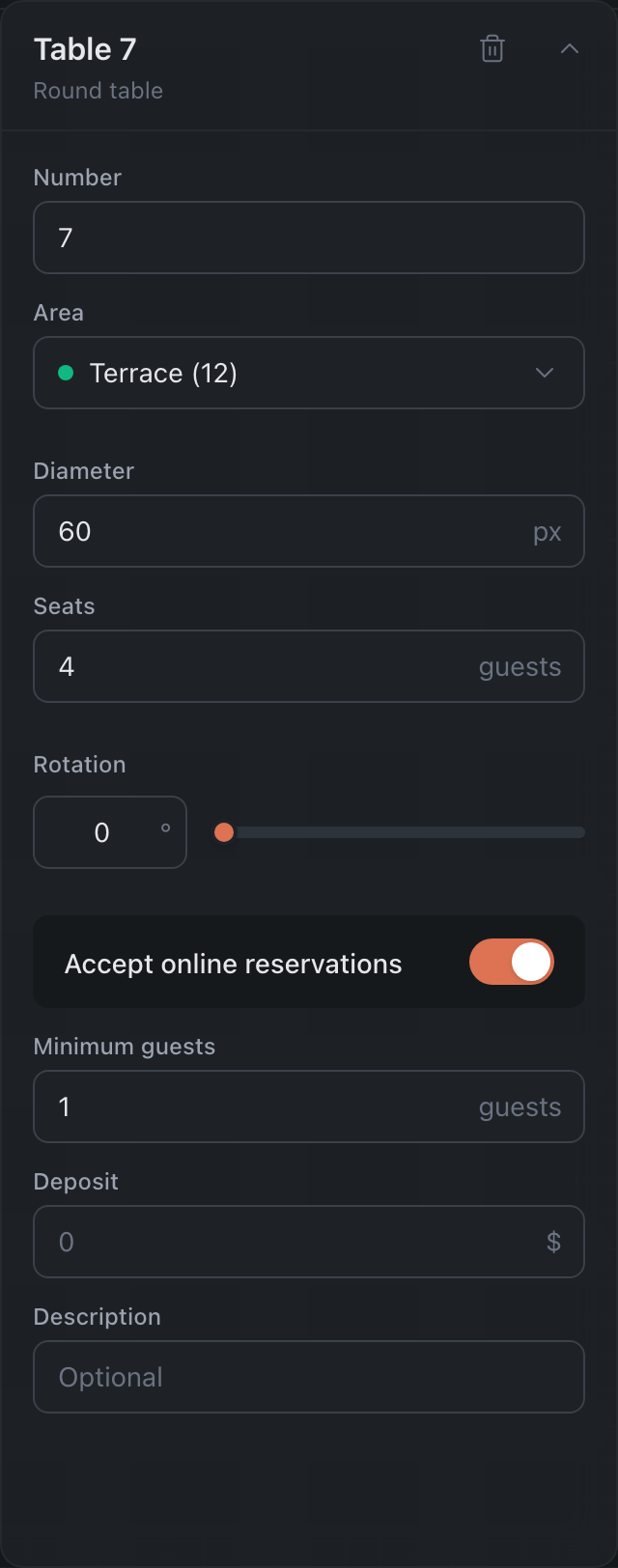
In the Seats field, enter the number of guests you need — the maximum is 40.
-
Click Save in the top right corner.
Done — you can now seat more guests at this table.