How to urgently pause online bookings and orders
Stop online bookings or online orders for today right from the Dashboard — when the room is full, the kitchen can't keep up or there are no couriers.
Sometimes you need to stop taking them right away: the room is full, the kitchen can’t keep up, there are no couriers, or something unexpected happens. Online bookings and online orders are stopped separately, each with one click on the Dashboard.
What to do
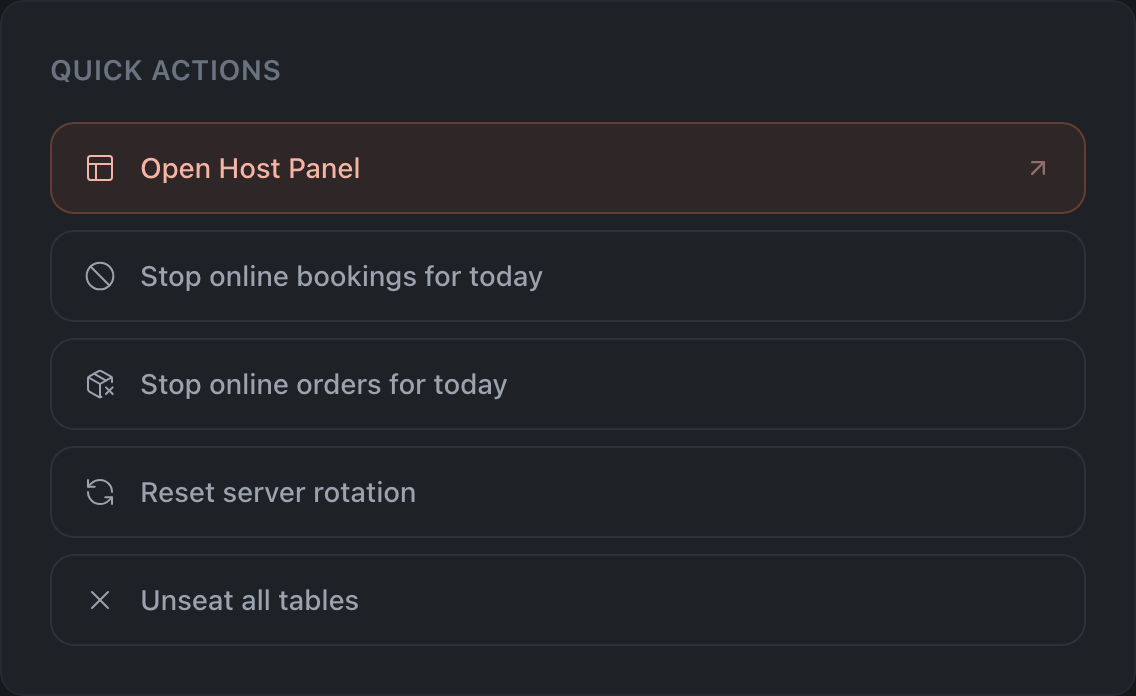
Open the Dashboard and find the Quick Actions block.
Online bookings
-
Click Stop online bookings for today.
-
Choose Until end of day or Until specific time and click Disable.
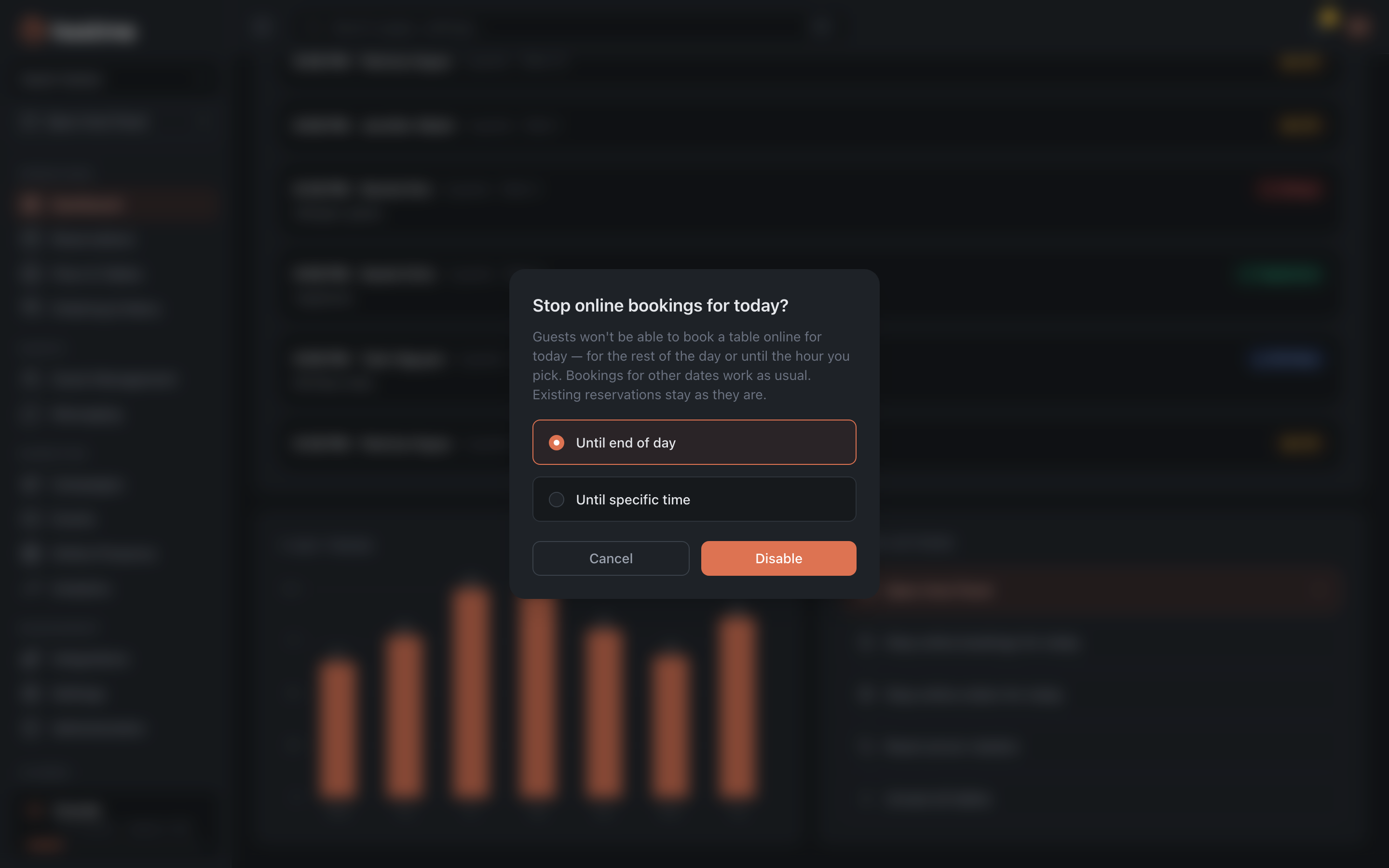
Done — online bookings for that time aren’t accepted. Existing bookings are unaffected, guests book later times and other dates as usual, and staff can still create bookings manually.
Online orders
The button is shown only if the restaurant has delivery or takeaway on.
-
Click Stop online orders for today.
-
Choose Until end of day or Until specific time and click Stop.
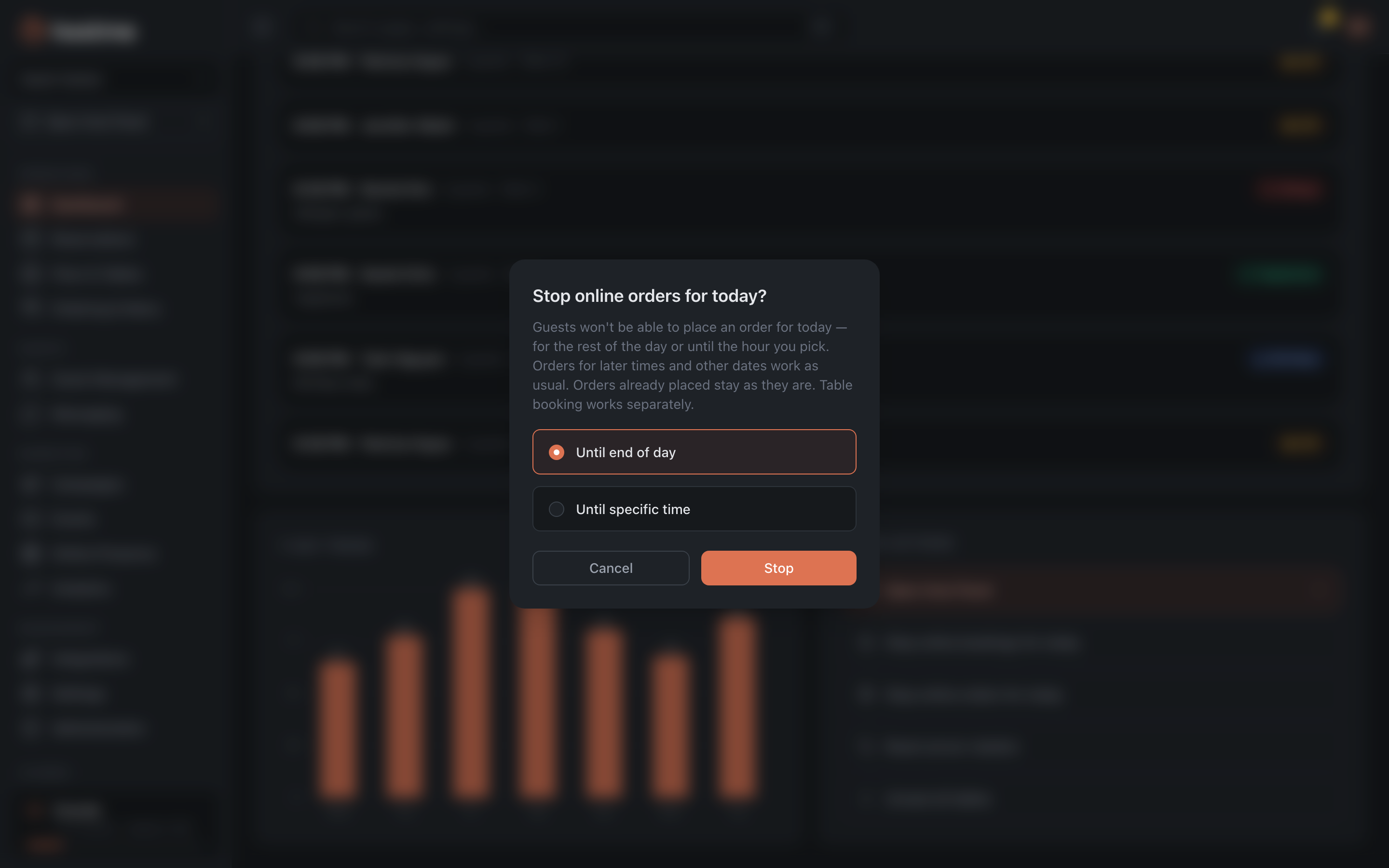
Done — online orders for that time aren’t accepted. Orders for later times and other dates are accepted as usual, existing orders don’t change, and table booking works separately.
How to turn it back on
In the same Quick Actions block:
- bookings — Accept online bookings for today again, then confirm;
- orders — Accept online orders for today again.
Related: Close dates for a holiday (for planned closures)