How to connect Reserve with Google
Enable taking reservations straight from Google Search and Maps — guests book without visiting your website.
“Reserve with Google” shows a “Reserve a table” button right on the restaurant’s card in Google Search and Maps — a noticeable source of reservations.
What to do
-
Open Online Presence → the “Partner Networks” tab.
-
Turn on the “Reserve with Google” toggle (and, if you like, “Google Waitlist” — it works only while the online waitlist is on).
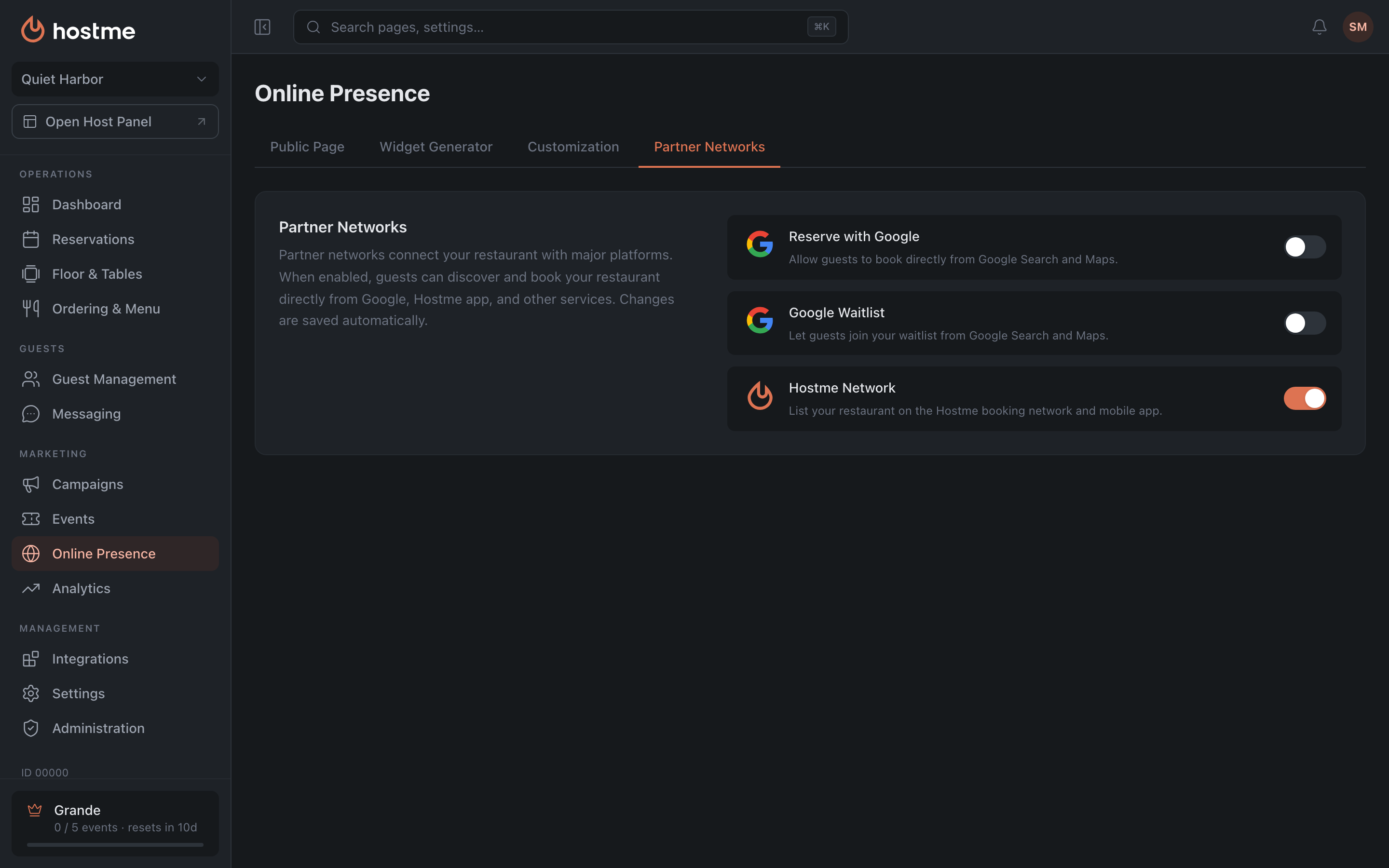
Changes are saved immediately.
Result: guests book a table right from Google — without going to your website.
Related: Public page and widgets