How to win back guests who haven't visited in a while
An automation on the Last visit trigger: it reaches out on its own to guests who haven't been in for three months.
A guest who stops coming rarely leaves on purpose — they simply forget. An automation on the “Last visit” trigger does the reminding for you: set it up once, and from then on it finds the guests for whom the set number of days has passed since their last visit and messages them.
What to do
-
Open Campaigns → “Automations” tab and click “Create automation”.
-
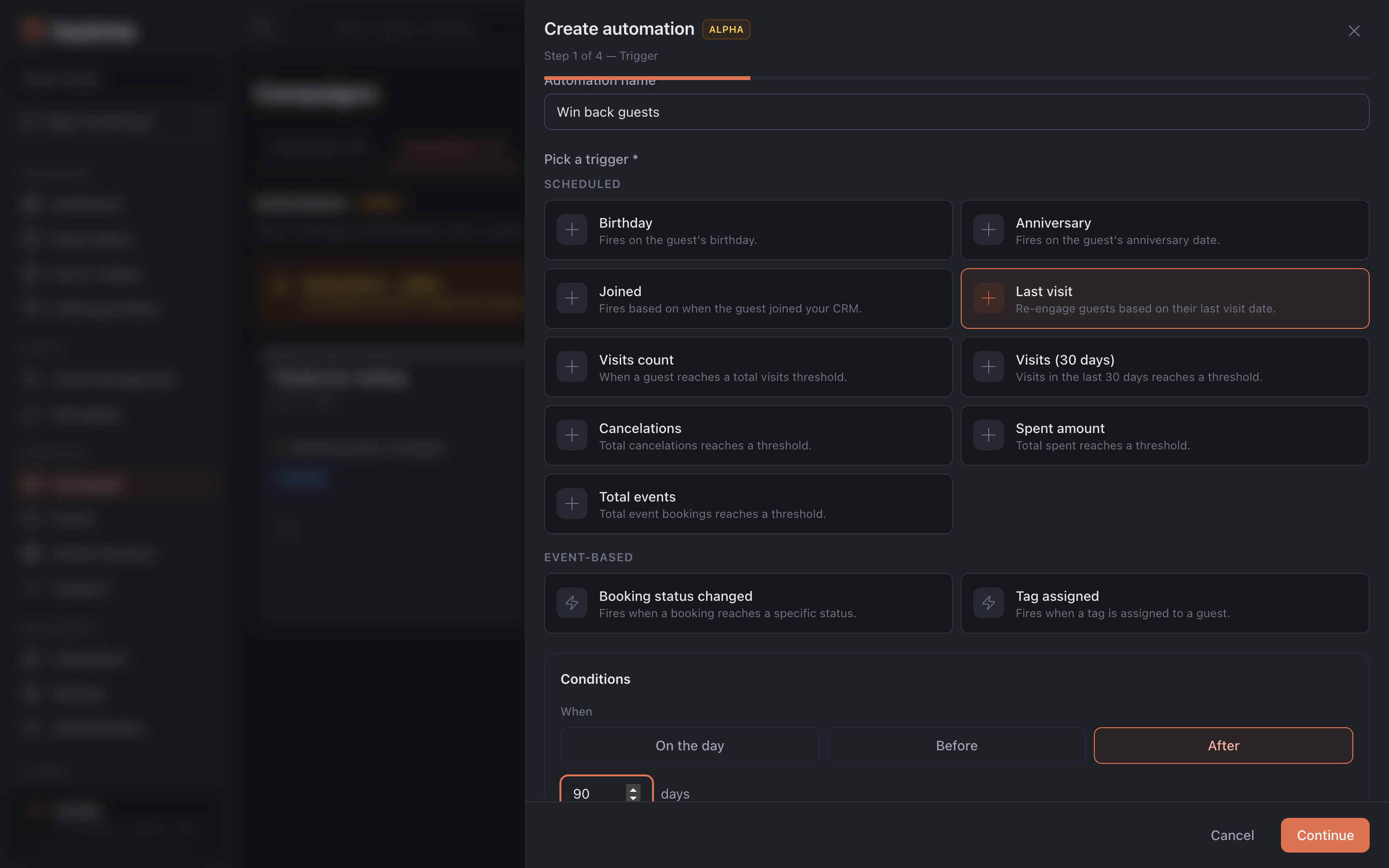
“Trigger” step. Name the automation — for example, “Win back guests” — and choose the “Last visit” type.
-
Set the countdown: the “After” mode and the number of days. A sensible starting point is 90 days: long enough for someone to have genuinely dropped out of the rotation, but not so long that they’ve forgotten the place entirely.
-
Set “Send time (local)” to the afternoon — closer to the moment people decide where to have dinner. The send happens within half an hour of the specified time.
-
“Channels & Content” step. Choose a channel and write the message. Here, more than in a regular campaign, it matters to give a reason to come back: not “we miss you” but something concrete — a new seasonal menu, a discount on the first visit after the break.
-
“Audience” step. By default the automation takes everyone who matches the condition. Narrow it with filters if needed: for example, exclude those who visited only once — winning back a regular is cheaper than winning back a one-time guest.
-
“Settings” step. Turn on “Activate immediately” and save.
How this differs from a one-off campaign to a segment
The Guests section has the ready-made presets “Lapsed (6 months)” and “Lapsed (1 year)” — you can send a regular campaign to them. The difference is fundamental:
- Segment + one-off campaign — a snapshot as of today. Sent once to everyone on the list.
- Automation — runs continuously. Each guest gets the message on their own day, exactly N days after their own last visit.
For ongoing churn work you need the second option; a one-off send to a segment is good when you need to reach the accumulated base once.
What’s next
- Automations — all 11 triggers and their parameters.
- Campaign Reports — did it work or not.
- Guide: segment and campaign — the one-off option.