How to combine tables for large parties
Set up table combinations so the system seats large groups at joined tables.
To accept parties larger than a single table holds, define combinations — which tables can be joined and for how many guests.
What to do
-
Open Floor & Tables → the “Table Rules” tab → the “Table Combinations” section.
-
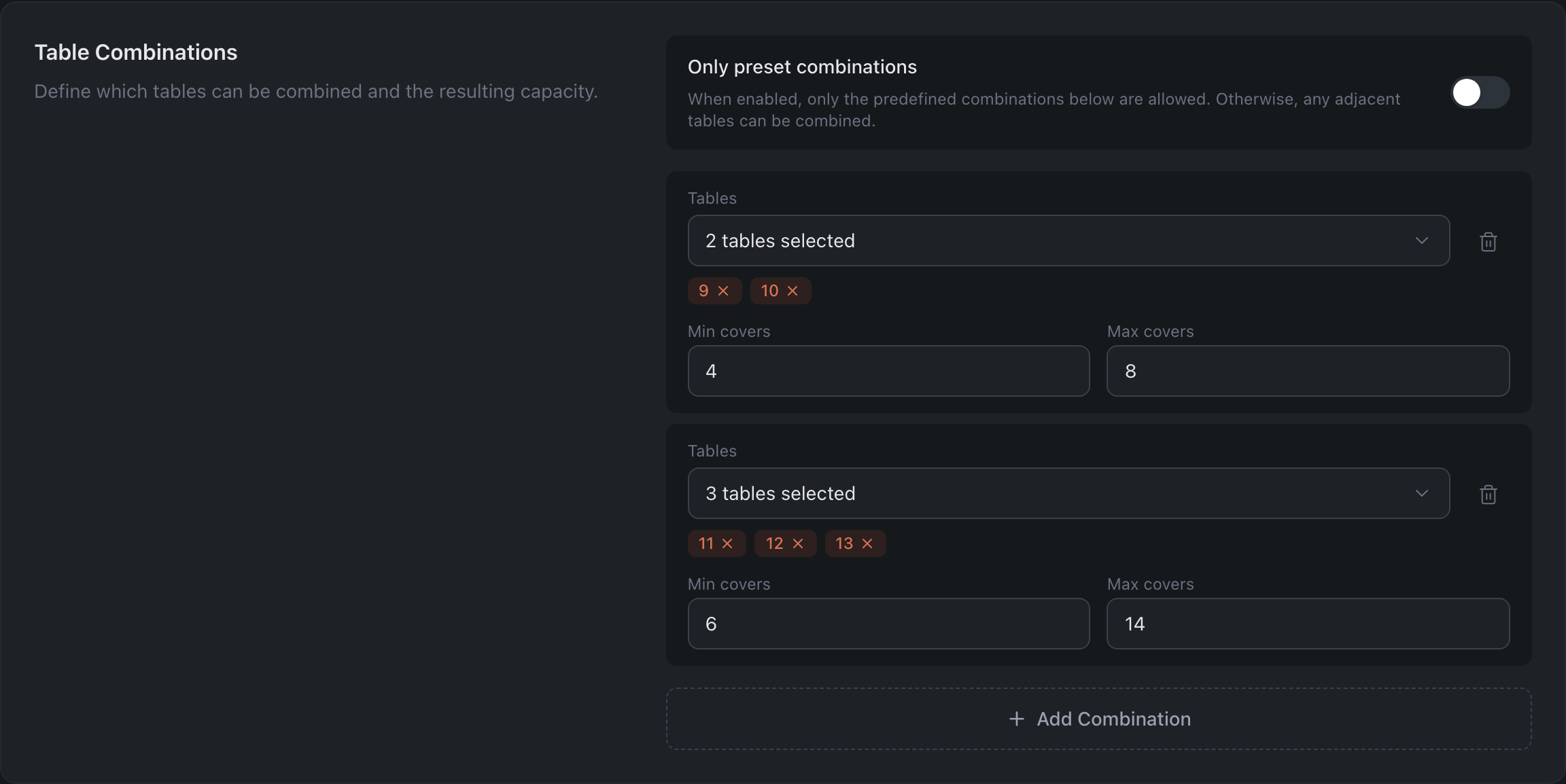
Press “Add Combination” and specify:
- The Tables being joined.
- Min covers and Max covers of the resulting combination.
-
Optionally, switch on “Only preset combinations” — then the system joins only the combinations you defined. While the toggle is off, it is free to join any adjacent tables.
-
Press “Save Changes”.
Result: the system will seat a reservation for a large party at joined tables.
Related: Table Rules — priority, rotation and the rest of the same tab · Build a floor plan