How to set online booking hours
Define the hours when guests can book online — separately from the restaurant's operating hours.
To let guests book online only at the right times, set your online booking hours. They can differ from the operating hours (for example, the kitchen opens later).
What to do
-
Open Floor & Tables → the “Availability” tab.
-
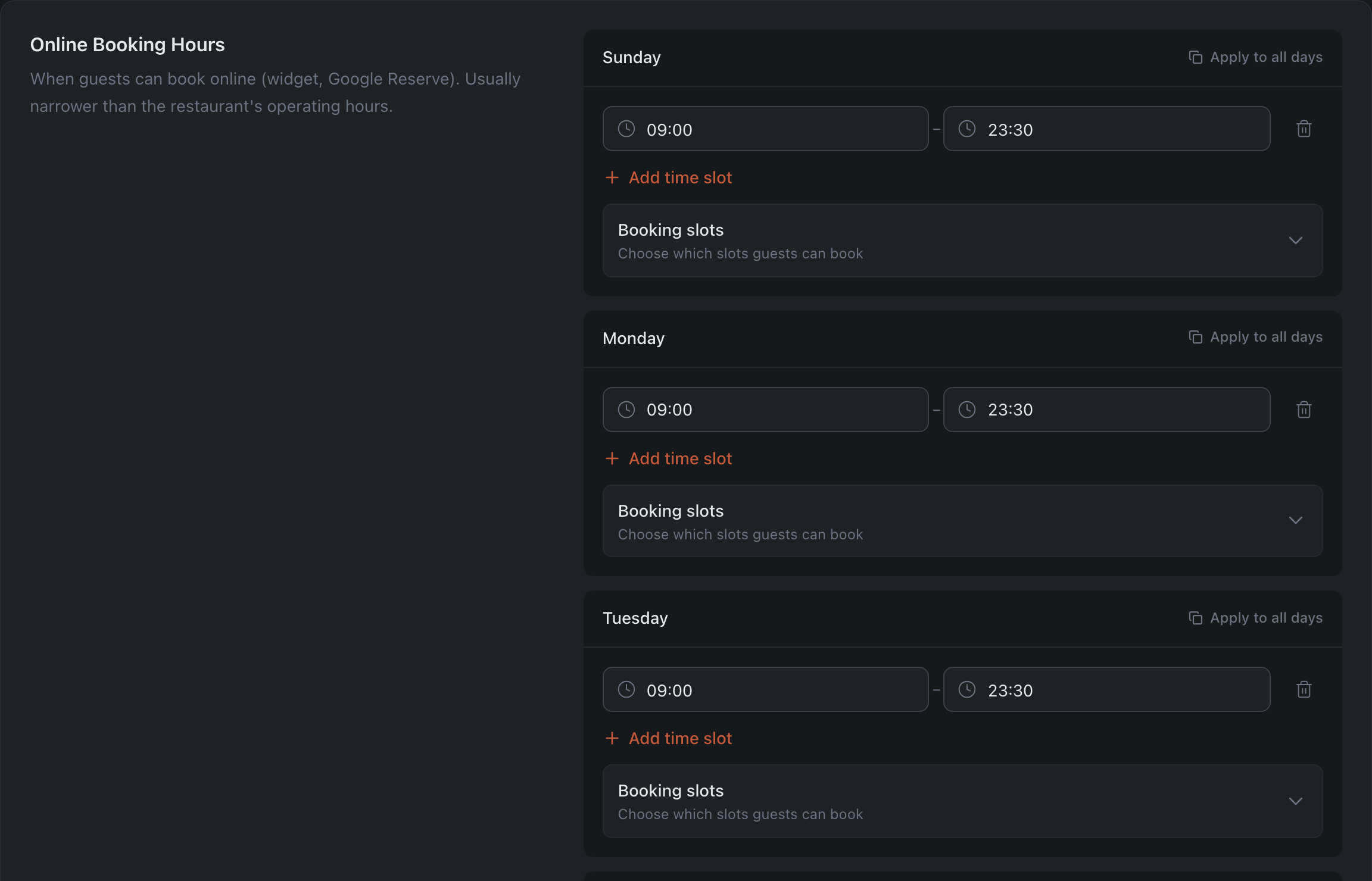
In the “Online Booking Hours” section set the intervals per day of the week. You can add several intervals per day or “Apply to all days”. To close a day for online bookings, delete all its intervals — the “Not bookable” label appears under the day. If you take bookings around the clock, choose 24 hours — the last option in the time list.
-
If needed, open “Booking slots” inside a day that has intervals set and switch off the individual slots you don’t want to offer online.
-
Press “Save Changes” at the bottom.
Result: guests will be able to book online only in the set hours and slots.
Related: Limit booking flow at peak hours · Close bookings for a date