How to block a table (maintenance, reserved for an event)
Temporarily take a specific table out of seating for the dates and times you need.
If a table can’t be used (maintenance, reserved for something), block it for the period you need — it won’t be offered online or to the host.
What to do
-
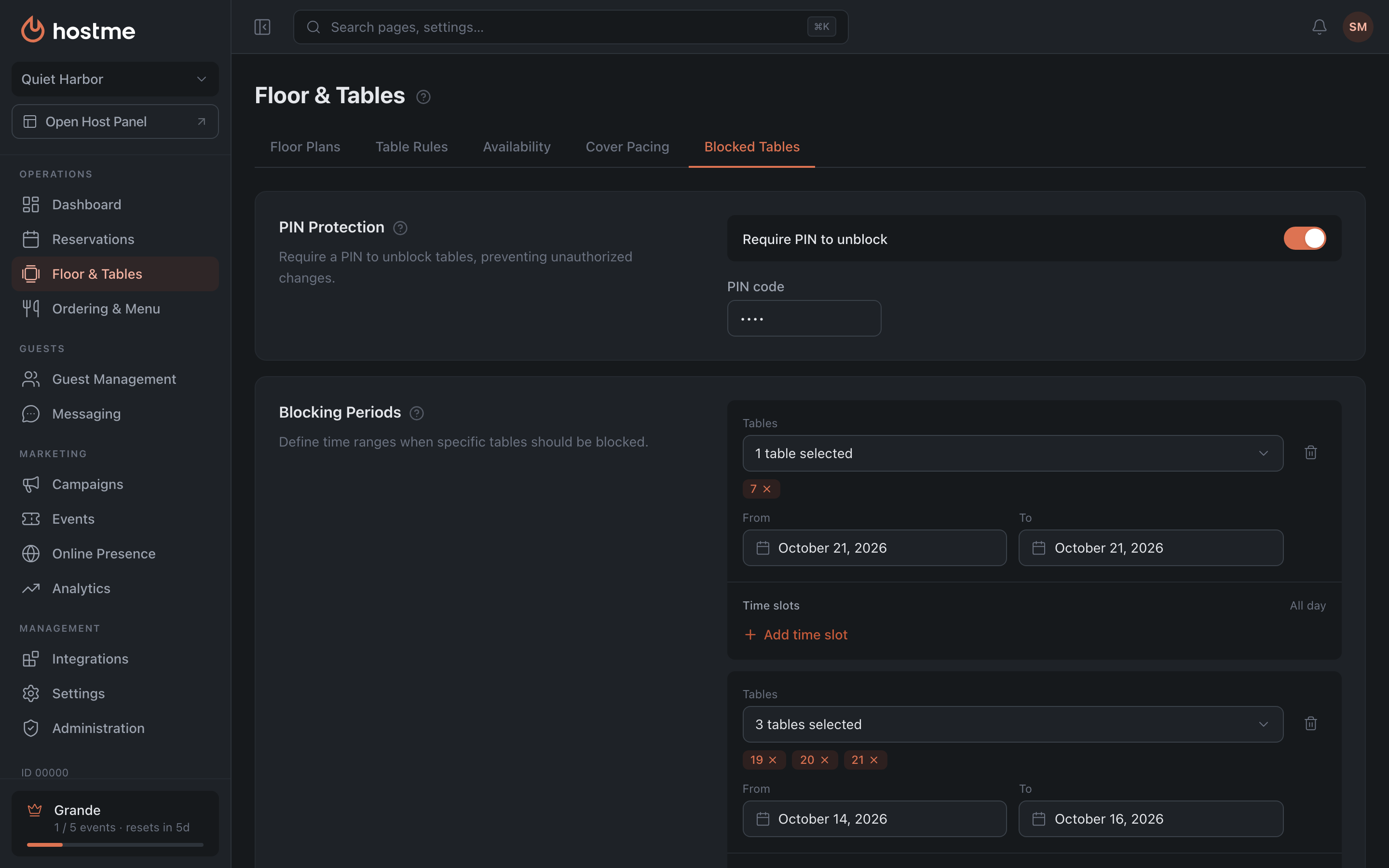
Open Floor & Tables → the Blocked Tables tab → the Blocking Periods section.
-
Click Add Blocking Period and set:
- Tables — which tables to block (empty = all).
- From / To — dates.
- Time slots — specific intervals, or leave them empty to block all day. To block overnight, pick an end marked “+1”: for example, 10:00 PM → 2:00 AM +1 (more in Blocking overnight).
-
Click Save Changes.
Result: the table is out of seating for the given period.