How to cancel a booking with a deposit
Cancel a booking so that you can pick a reason and refund the guest's deposit: only from the booking card.
A guest cancels a booking they paid a deposit for. Cancel such a booking from the booking card — only there can you pick a reason and refund the money.
What to do
-
Open the booking — tap it in the list, on the map or on the timeline.
-
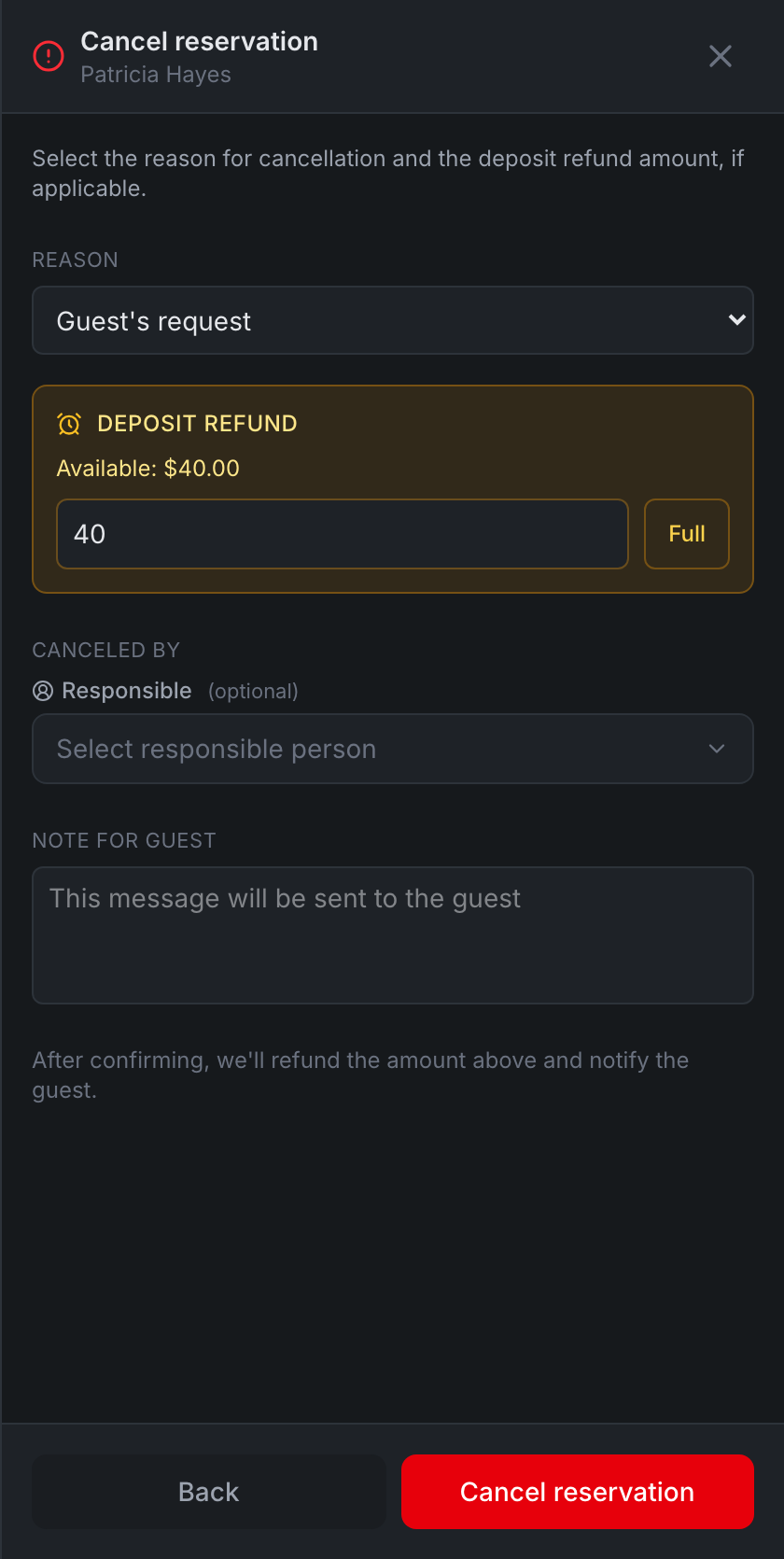
Tap Cancel. The Cancel reservation panel opens.
-
Pick the Reason — for example, Guest’s request.
-
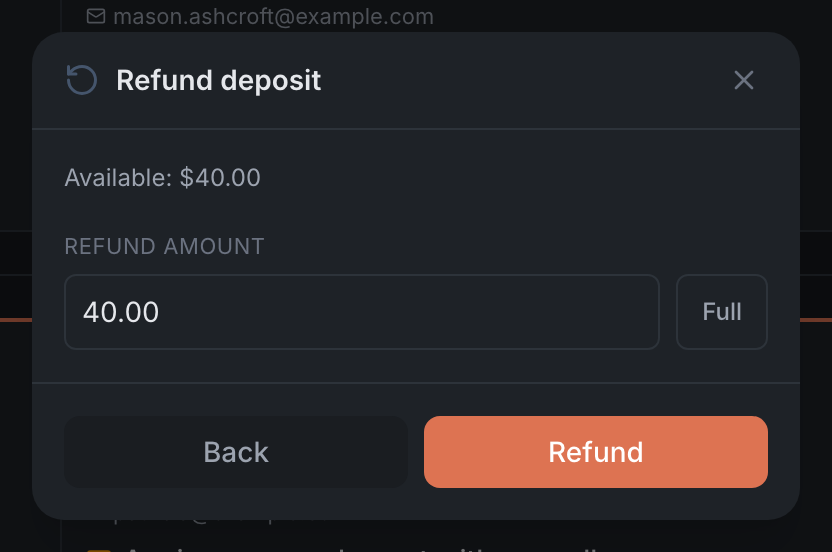
In the Deposit refund block, check the amount — it’s filled in by the restaurant’s refund rules. You can change it or tap Full. If the restaurant charges a no-show fee, there’s a No fee checkbox instead of the refund.
-
If you like, write a Note for guest — the guest receives it.
-
Tap Cancel reservation. The panel refunds the money first, then cancels the booking.
Details in Booking card.
Result: the booking is canceled with a reason, and the guest got their money back.